
An M-Pesa and cash POS - both on one sale.
Take cash, M-Pesa or both on the same sale. The cashier records the M-Pesa transaction code with the payment. At close, the cash drawer is counted against what the till expected.
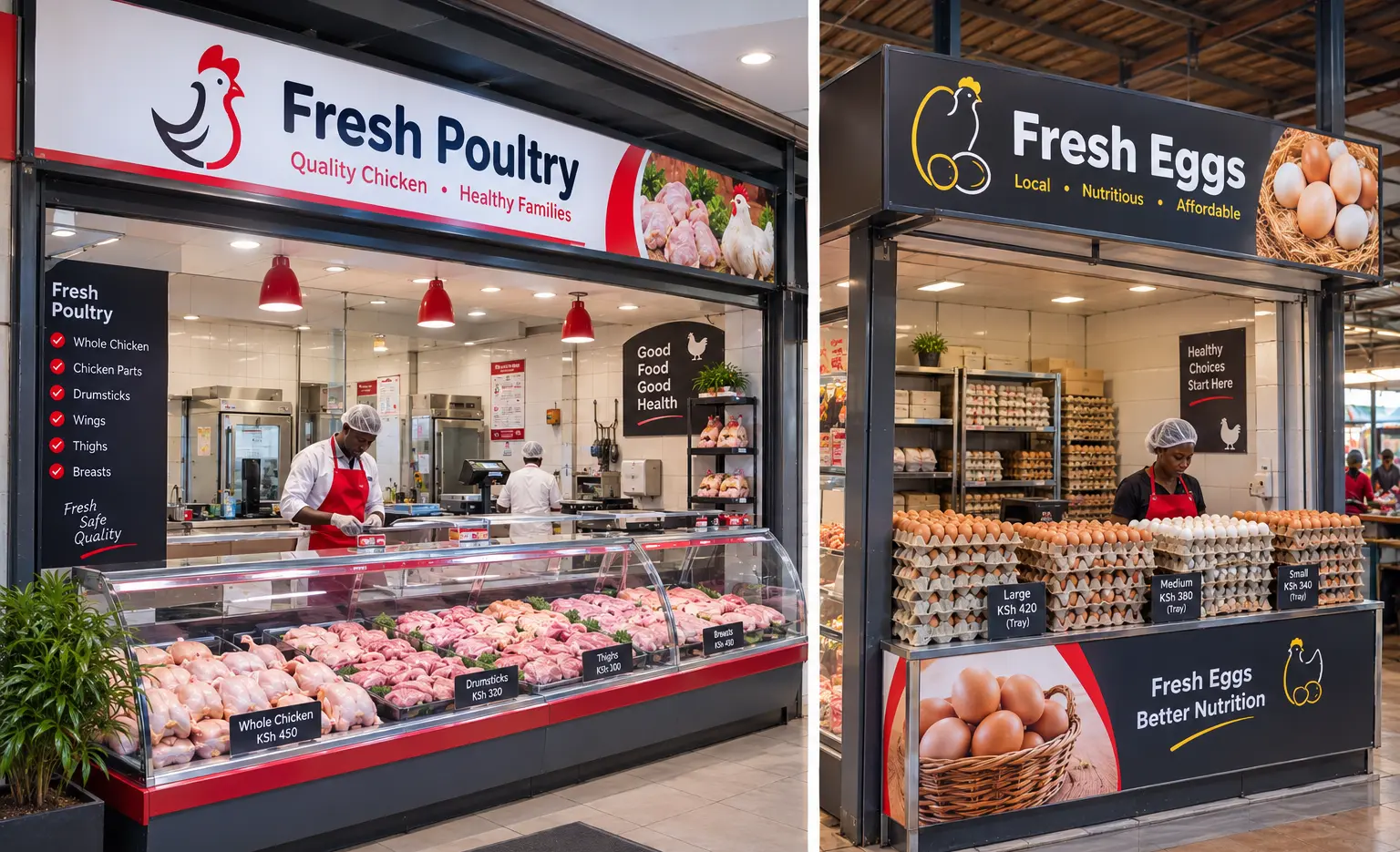
Two ways to pay, two ways for the day not to add up.
Payments you cannot trace
When a customer later says they paid by M-Pesa, a sale with no transaction code gives you nothing to check.
Split payments that confuse the drawer
Part cash, part M-Pesa, written down as one - and the cash in the drawer no longer matches.
Totals worked out by hand
Adding up the day’s cash and M-Pesa from a notebook takes time, and one slip spoils the whole count.
Every shilling recorded the way it was paid.
Split payments
Part cash and part M-Pesa on the same sale, each amount recorded separately.
The M-Pesa code on every payment
Each M-Pesa payment carries its transaction code, checked for the right format as it is entered. A disputed payment can then be traced.
Quick cash buttons
Tap the note the customer hands over instead of typing the amount.
Cash counted against what was expected
At day close, count the drawer and see the difference from what the till expected, after any cash paid out.
Common questions
Does KukuStores confirm M-Pesa payments automatically?
Not today. The cashier checks the customer’s M-Pesa message and records its transaction code with the sale. KukuStores checks the code is in the right format, but it is not connected to Safaricom to confirm the payment.
Can I take card payments?
Not at the moment. The till records cash and M-Pesa.
How do I pay for KukuStores itself?
Paid plans are billed in Kenyan shillings and paid by M-Pesa. One branch is free, with no card required.
Related
Run your shop on KukuStores.
Free forever for one branch. Pay only when you add branches.